
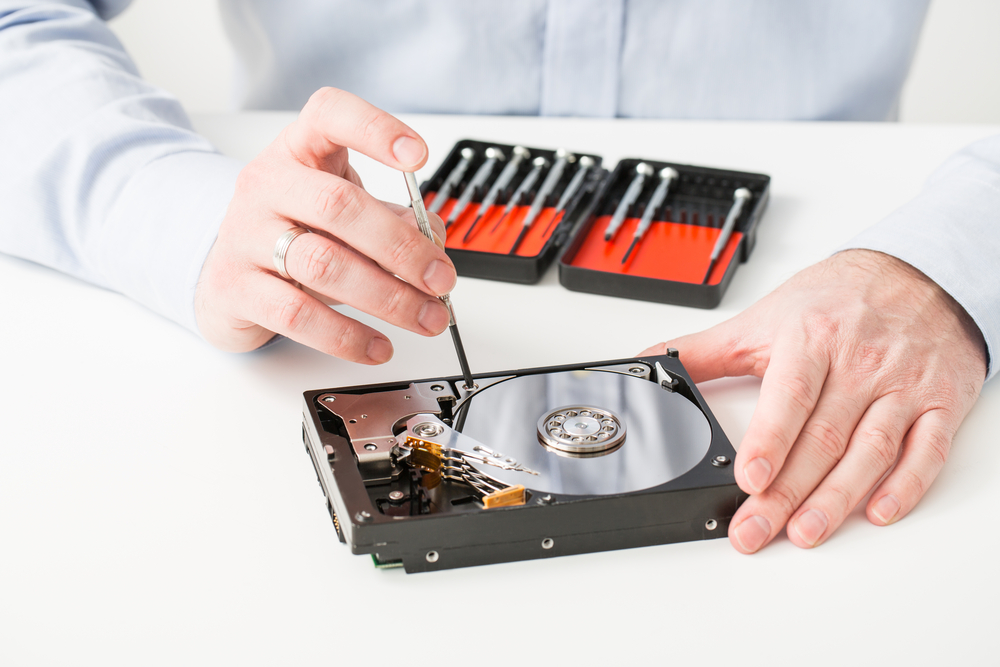
Data recovery is a field that often requires a combination of technical expertise, perseverance, and, sometimes, a bit of luck. In this article, we’ll explore seven real-world case studies to help illustrate various types of data recovery challenges and the methods used to solve them. From physical damage to more complex failures, these cases show how data can often be recovered when all hope seems lost.
Case Study 1: The Dog Ate My Diskette
One afternoon, a customer called in desperate need of data recovery from a pair of diskettes containing an important presentation. Unfortunately, the diskettes had been severely damaged by one of the customer’s pets—his dog had chewed them up! The physical damage to the disk cases was extensive, with visible tooth marks on the surfaces.
Despite the damage, we managed to image both disks and only found sector damage. We were able to rebuild the File Allocation Tables (FATs), and after some effort, we successfully recovered all the files. The grateful customer was able to present the data without a hitch.
Lesson Learned: Physical damage to storage media doesn’t necessarily result in data loss, especially if the damage is localized to sectors, and professional recovery can still work wonders.
Case Study 2: Flying Low (Laptop Damage from Airline Travel)
A business traveler reached out when his Toshiba laptop failed to boot after returning from a flight. Upon investigating, it became clear that the laptop had traveled in the cargo hold of a plane, and likely endured some rough handling.
Our hardware specialists found speckle damage inside the head disk assembly, confirming that the drive had suffered impacts during the flight. After performing a head stack swap, we imaged the drive and discovered 112 bad sectors, of which 86 were recoverable.
Lesson Learned: Always transport valuable data devices as hand luggage. Hard drives are delicate, and rough handling can cause irreparable damage, even if the device is otherwise protected.
Case Study 3: The Sinking Ship
A seismic survey ship operating in a remote sea location sent us a tape containing geological survey results for oil exploration. The tape had a media flaw at the start, and without data recovery, the ship would need to repeat expensive tests.
The IBM drive used to read the tape is capable of transferring data at high speeds, but with a damaged tape, it wasn’t reading properly. We managed to gain control over the system, identify undamaged data, and recover the crucial information. A courier was dispatched to deliver the data back to Singapore.
Lesson Learned: Specialized tape drives and intricate systems may present unique recovery challenges, but with persistence, data can often still be salvaged, even when the media is compromised.
Case Study 4: The Credit Card Company Crisis
A well-known credit card company contacted us after suffering a critical failure in its NetWare Server and RAID array. They had no backups, and three out of eight drives had failed. One drive had a component failure, while two others had issues with their head/disk assemblies, requiring cleanroom repairs.
Using our extensive database of drive components and technical expertise, we managed to repair the drives, image the remaining disks, and recover almost 88 million sectors with just seven bad sectors. All of the valuable customer transaction data was safely recovered.
Lesson Learned: RAID arrays are often designed for redundancy, but when multiple drives fail, the situation can be catastrophic. It’s vital to ensure regular backups and plan for recovery in the event of drive failure.
Case Study 5: The Hard Drive That Wouldn’t Boot
A user contacted us after his computer failed to boot, even though the hard drive was functioning normally. After a bit of investigation, we found that the boot sector of the hard drive had been corrupted.
Our recovery team used specialized tools to rebuild the boot sector and restore the system’s ability to boot up. Once that was done, the user was able to access his data again, without any significant loss.
Lesson Learned: Corruption of the boot sector is common and doesn’t always mean total data loss. With the right tools, systems can often be restored, allowing access to data without needing a full system restore.
Case Study 6: A Corrupted Database Recovery
A major healthcare provider reached out after their database went corrupt during a system upgrade. They had critical patient data stored within the database, and the corruption rendered the data inaccessible.
Using advanced techniques, we were able to access the corrupted database, repair the data structures, and retrieve the necessary files. We worked closely with their IT team to implement more robust backup solutions to prevent similar issues in the future.
Lesson Learned: Regular database backups and checks can prevent major data loss, especially during system upgrades or migrations.
Case Study 7: A Defective Solid-State Drive (SSD)
An SSD user reached out after experiencing intermittent failures with his drive. Initially, the drive appeared functional, but after some time, it became inaccessible. We conducted a series of diagnostic tests and discovered that the NAND memory was deteriorating, leading to data loss.
Through careful extraction techniques and NAND recovery, we were able to recover the user’s files, though the drive itself was no longer viable for continued use.
Lesson Learned: SSDs can fail due to wear and tear over time, especially if not properly maintained. Regular backups and understanding the drive’s lifespan can help prevent data loss from SSD failure.
Conclusion
Data recovery is a complex and nuanced process that requires skill, experience, and sometimes a bit of creativity. These case studies illustrate how even the most seemingly hopeless situations can often be salvaged with the right approach and tools. From physical damage to logical errors, there are many ways data recovery specialists can assist in restoring lost or inaccessible files.
The key takeaway is that, in most cases, data is recoverable—whether through software tools, physical repairs, or specialized equipment. And, of course, always back up your data to minimize the risk of losing important files.