
When a hard drive fails, it rarely happens without warning. Most of the time, your drive has been sending subtle distress signals, signs that many users overlook until it’s too late. Recognizing these warnings early can mean the difference between salvaging your files and facing permanent data loss.
This article explores the hidden language of hard drive failures: how to interpret the symptoms, understand the causes, and respond with the right actions before disaster strikes.
How Hard Drives Speak: The Architecture Behind the Warnings
To understand why failures happen, it helps to know how a hard drive works at its core:
-
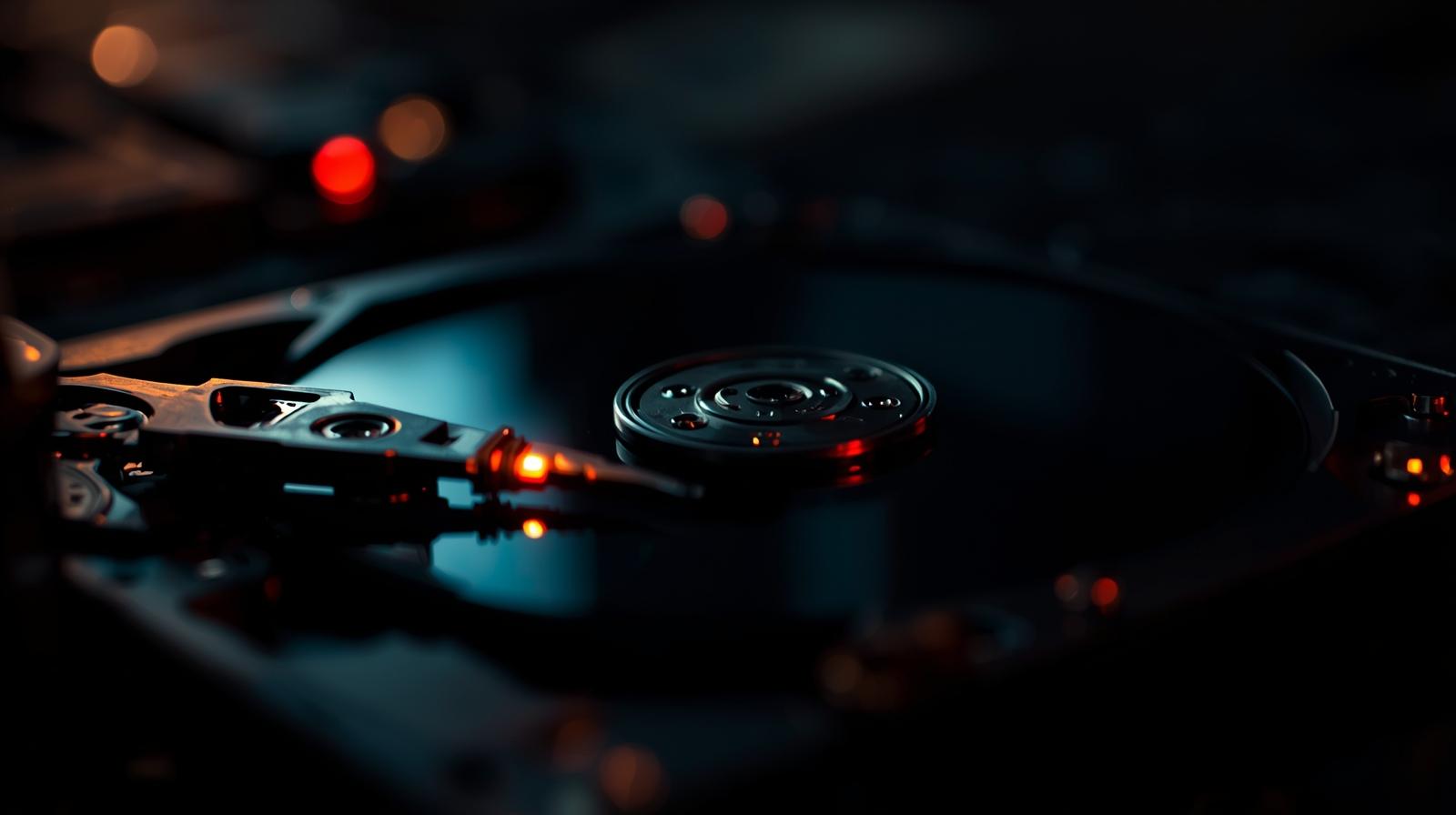
Platters – Magnetic disks that store your data in billions of sectors.
-
Read/Write Heads – Precise instruments that hover above the platters to read and record data.
-
Spindle Motor – The engine that spins platters at thousands of revolutions per minute.
-
Controller Board – The “brain” that communicates with your computer and manages operations.
-
Firmware – Internal code that coordinates how the drive behaves.
Every failure starts in one of these components. Whether mechanical, electrical, or logical, each failure tells a different story.
Five Signals Your Hard Drive Is in Trouble
1. Strange Noises – The “Click of Death”
Unusual clicking, grinding, or whirring sounds often mean the read/write heads are struggling or failing.
Why it matters: Ignoring this can quickly turn into platter damage, where data becomes permanently unrecoverable.
2. Slow File Access and Freezes
If opening files feels sluggish or your system freezes mid-transfer, bad sectors may be forming.
Why it matters: Bad sectors spread like cracks in glass; what starts small can lead to total drive failure.
3. Missing or Corrupted Files
Files vanishing, refusing to open, or appearing scrambled usually point to file system corruption or failing firmware.
Why it matters: Logical failures can escalate into larger structural issues, especially if caused by power loss or malware.
4. Drive Not Detected
A drive invisible to your system may have a failed controller board or corrupted firmware.
Why it matters: This often requires professional lab-level intervention, not DIY fixes.
5. Overheating
If your hard drive runs hot to the touch, internal stress is accelerating wear on mechanical components.
Why it matters: Prolonged heat reduces lifespan and increases error rates.
The Common Culprits Behind Failures
-
Age & Mechanical Wear – Bearings degrade, platters weaken, and moving parts eventually fail.
-
Environmental Stress – Heat, dust, humidity, and vibration accelerate breakdown.
-
Power Surges – Sudden voltage spikes can fry the controller board or corrupt firmware.
-
Human Error – Drops, poor shutdown habits, or rough handling cause both physical and logical harm.
-
Manufacturing Defects – Certain models may carry flaws that make them prone to premature failure.
What to Do If You Suspect Failure
-
Stop using the drive immediately – Continued use worsens damage.
-
Avoid DIY repairs – Opening a drive outside of a cleanroom or using generic recovery tools can destroy recoverable data.
-
Record the symptoms – Document noises, errors, or unusual activity.
-
Seek professional help – Certified recovery labs have tools and clean environments to safely retrieve data.
Lessons Learned: Turning Failure Into Prevention
Hard drives remind us of one truth: every storage device will eventually fail. The key is preparation.
-
Follow the 3-2-1 backup rule – 3 copies of your data, 2 formats, 1 off-site.
-
Monitor health proactively – Use S.M.A.R.T. tools to catch issues before they escalate.
-
Protect your environment – Keep systems cool, clean, and protected from power fluctuations.
-
Replace drives before they die – Drives older than 3–5 years should be retired in business-critical settings.
Final Word
A hard drive crash is more than an inconvenience; it’s a wake-up call. Every noise, error, or slowdown is your drive’s way of warning you that something is wrong. By listening, interpreting, and acting early, you can preserve your most important digital assets and avoid catastrophic loss.
Because when it comes to data, silence isn’t golden; it’s dangerous.